Mapleform Technology Inc
Keep the paper.
Get the data.
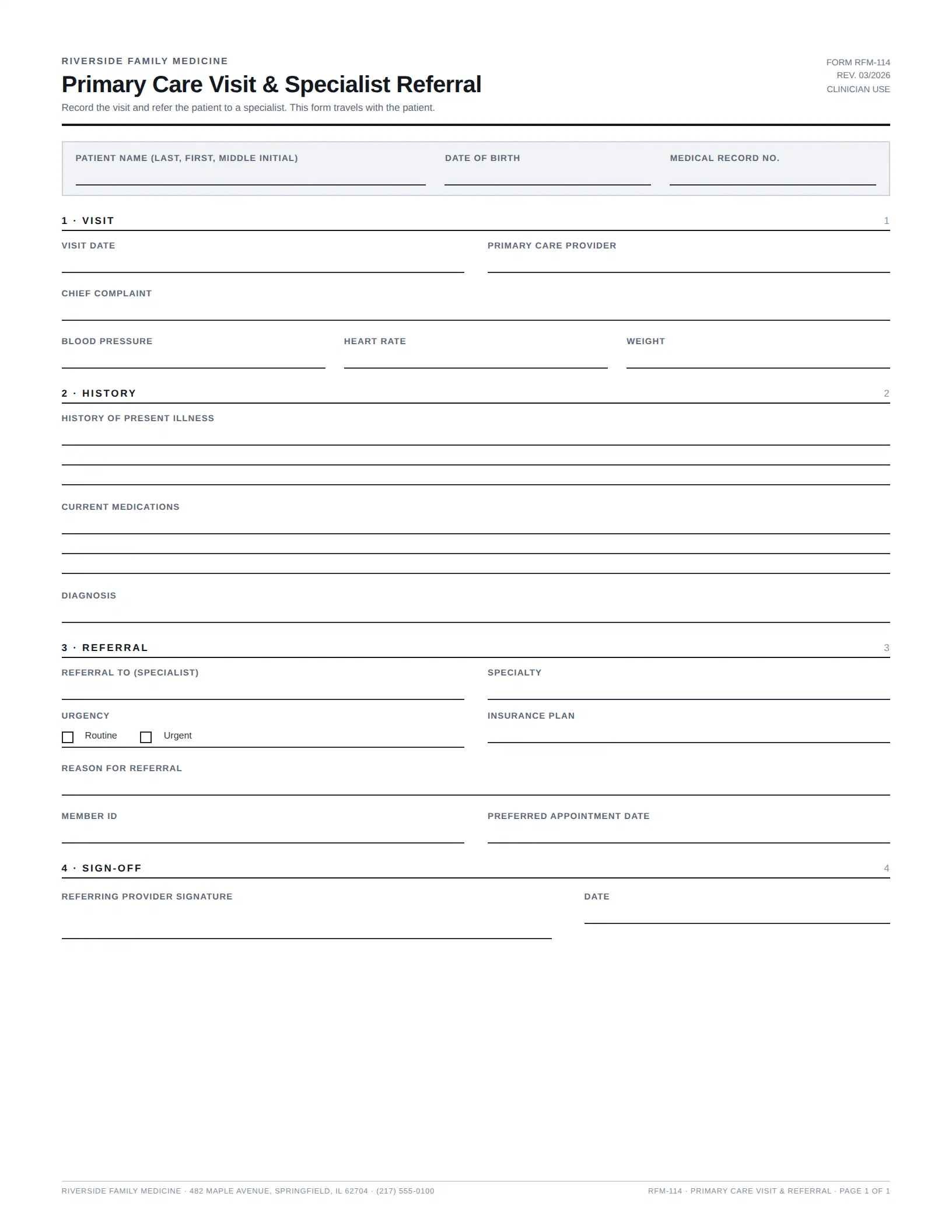
Office turns a printed form into a digital twin — a working copy of the page itself, with every box in place. Fill it on a phone or in a browser, then print it back out with the answers in their boxes.
The problem
The form is the last thing the office still prints.
Purchase orders, inspection reports, intake sheets, work orders. Someone prints it, fills it in by hand, signs it, files it. Then someone else types the same answers into a system — or doesn’t, and the paper becomes the only copy.
Software replaced most of the office. It never replaced the form.
79%
of 184 NHS hospital trusts still keep clinical notes on paper.
BMJ, August 2026
2.08M
Canadian tax returns still arrived on paper last season — 6% of all returns.
Canada Revenue Agency, 2026
3–8 min
of clerical time to re-type one paper form: C$1.68 to C$4.48 of labour.
Median wage plus overhead, at C$33.61 an hour
What Office does
A page in, the same page out.
Office is four steps, and all of them return to the printed page.
- Read. A photo or a PDF of the sheet becomes a page: its text, its lines, and the position of every box.
- Twin. The page becomes the form. Its boxes become its fields, so the page you fill is the page you print.
- Fill. Staff or a client fills it on a phone or in a browser. Every answer stays with its form, ready to print.
- Print back. The finished copy prints in the sheet’s own layout, or the answers are drawn onto the original scan.
Speed
A page in seconds.
Measured on 20 public agency forms, from 24 to 200 fields. The page comes back with its fields placed, ready to check on screen.
8 s
to read a 30-field form.
1 min 36
for a 200-field form.
24–200
fields on the forms we have measured.
0
answers to re-type after printing.
Timings are for a single page.
Who it's for
Built for the forms nobody can replace.
Office is for offices that run on a form: a clinic’s intake desk, an inspection business, a municipal counter, a warehouse that prints its purchase orders.
It is built for the form that costs the most to re-type: 24 to 200 fields, signed by hand, or required on paper by a client or a regulator.
Show us the form.
Send one page — a blank copy is fine — and see the page Office builds from it, every field in place and ready to fill.